


A clear path to self-service
Use categories and searches to organize help content so customers can quickly find relevant answers.

 Shared inboxOmnichannel collaboration
 Live chatMore natural customer communication
 AI chatbotLet AI work side by side with your team
 CRMKnow your customer with every interaction
 Knowledge baseMake answers easier to find
 AnalyticsUnderstand the customer experience through data
 AI assistantIntegrate intelligence into every step of serviceOnline supportUse this site to troubleshoot problems, organize feedback information, and read the complete English instructions for use.
 Help centerSearch the English Getting Started Guide to learn about website access, team collaboration, subscription and integration, and read the complete operation articles on the site.
 Advanced guidesFrom customer service operations to automation and development access, we gradually build a Crisp workflow suitable for the team.Terms of serviceUnderstand the rules for using this website's content, usage guidelines, troubleshooting and feedback tools.Privacy policyLearn about browsing, searching, question drafts, external content, and how this site handles your personal information.
Make answers easier to find
Build a help center connected to your support workspace. Maintain articles in one place and use them across your website, chat widget and AI support.
14-day free trial · No credit card required
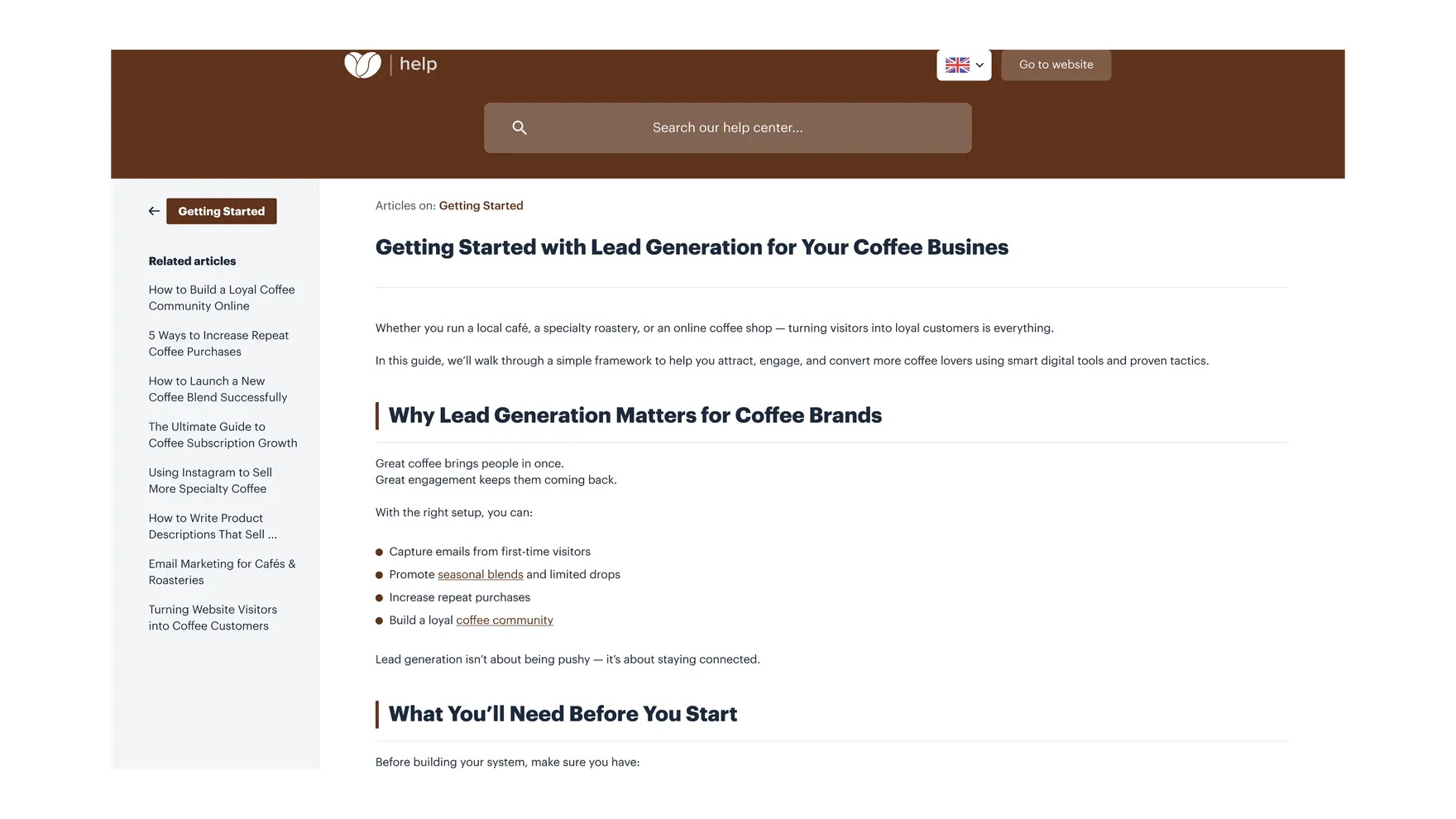
Built around real needs
Use categories and searches to organize help content so customers can quickly find relevant answers.
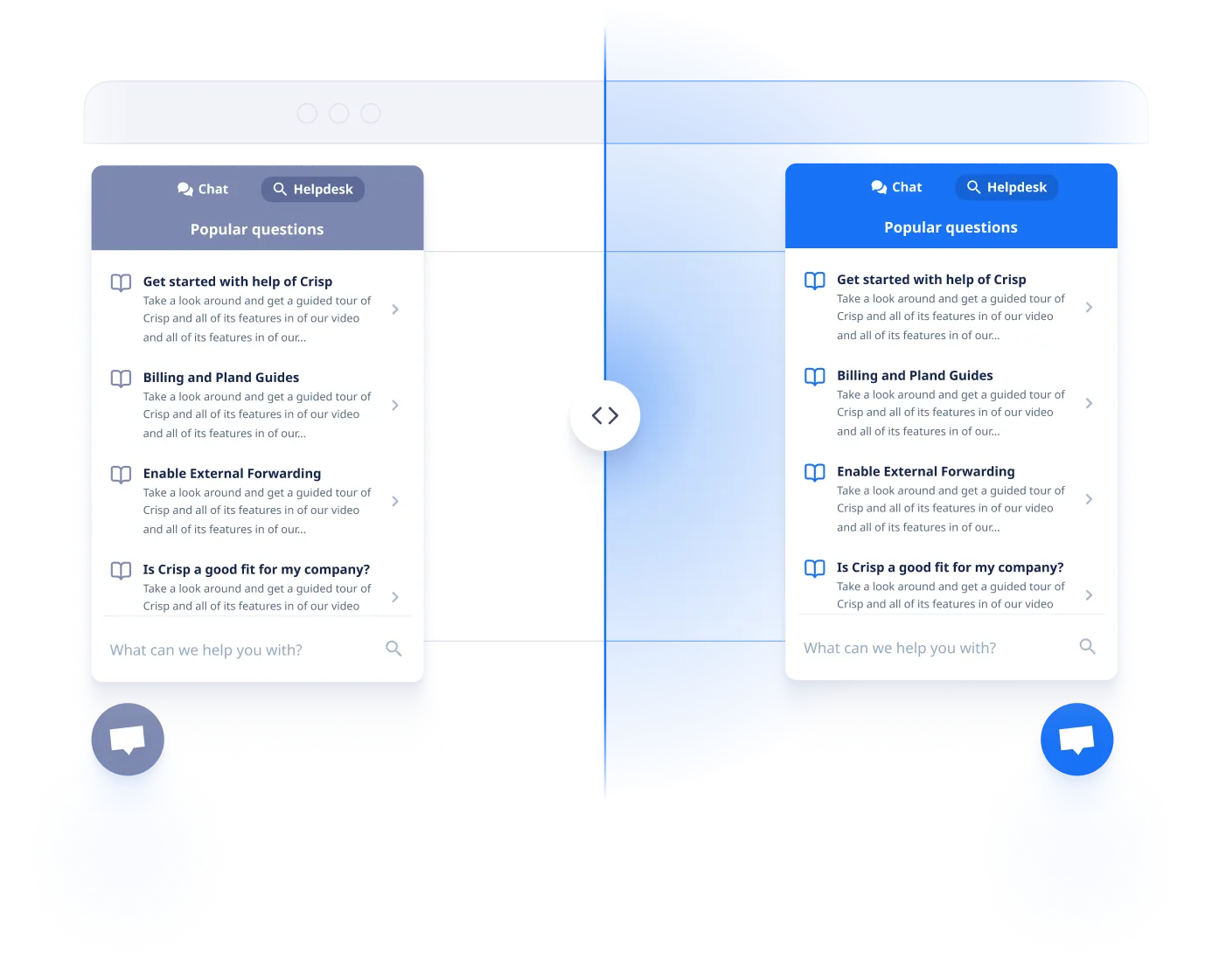
Offer help articles inside the chat widget, with a smooth transition from self-service to your team.
Maintain a unified source of knowledge while providing reliable information to customer service teams and AI.
Explore the details
Explore how knowledge bases fit into teamwork.
Organize articles by product, topic, or FAQ so customers can browse, search, and find instructions that work for them.
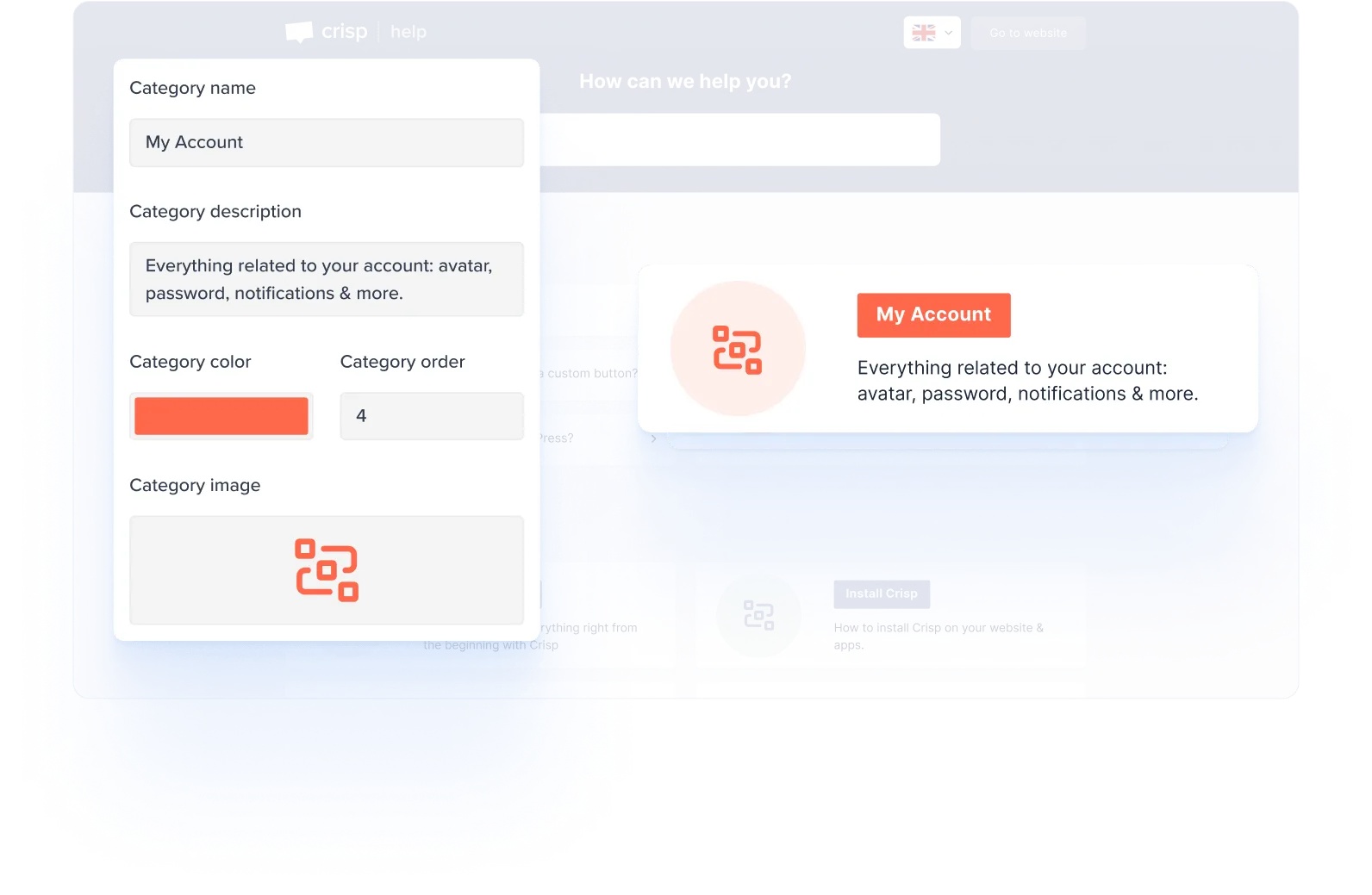
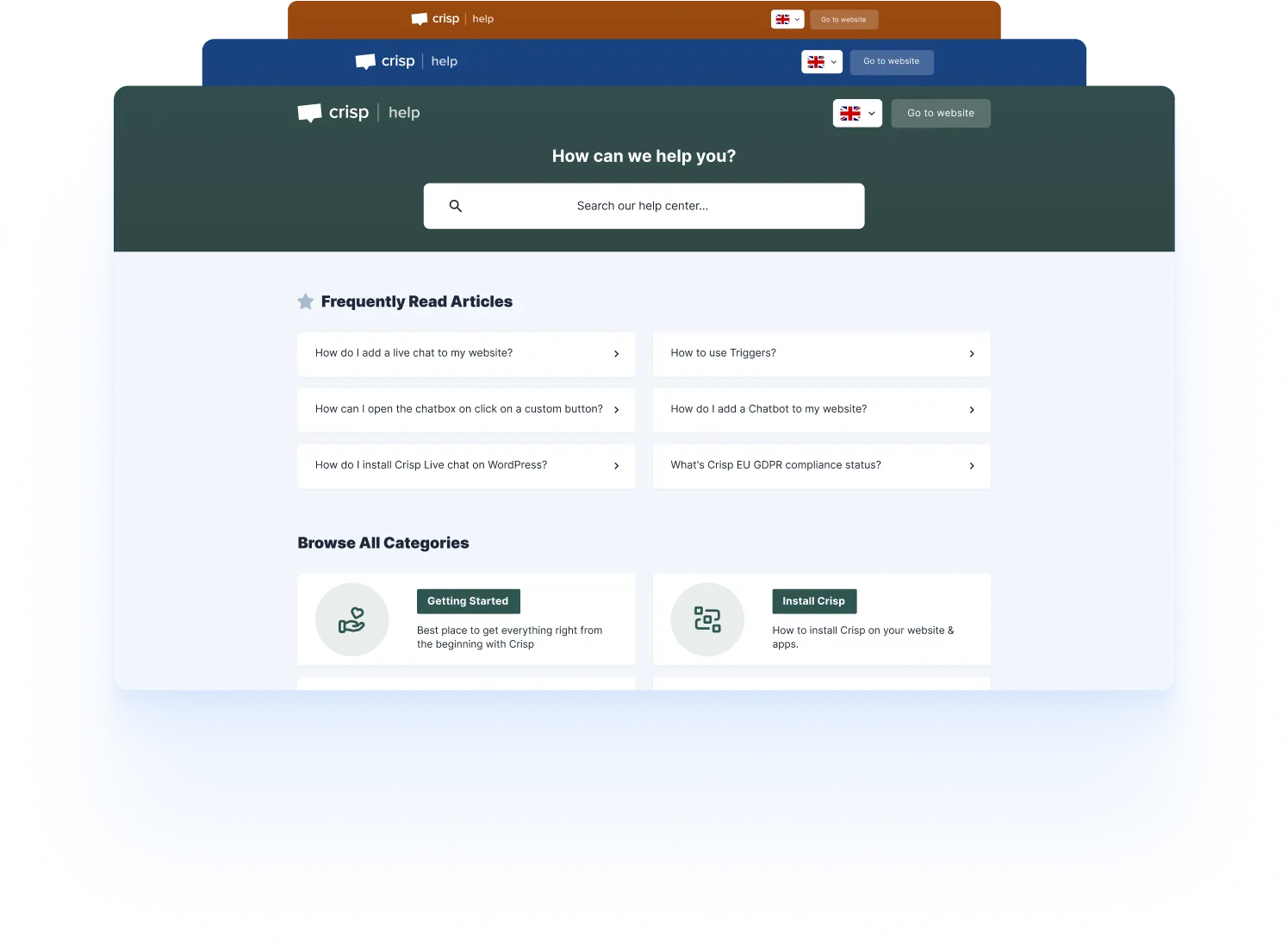
Adjust colors and presentation to maintain a consistent visual experience between the help center and the brand website.
Integrate help content into chat components or embed related pages to shorten the path from when customers encounter problems to finding answers.
From idea to everyday work
Start with recurring questions and existing documentation.
Organize content with clear steps and categories.
Connect the help center to the website and chat window.
Update content based on searches and feedback.
Yes. Crisp connects the knowledge base with the inbox, chat widget and AI, so your team can reuse the same content across different situations.
You can adjust colors and display settings. Available options depend on your plan and workspace configuration.
The Essentials and Plus packages shown on this page include the knowledge base. Please check the price comparison for specific function range.
Your next great customer experience starts here
14-day free trial · No credit card required
